
Knowledge module
Aircraft controls simulator
Move the control stick and rudder to see how ailerons, elevator and rudder affect bank, pitch and yaw. This is a learning aid, not a physics simulator.
Controls
Drag the stick or work the rudder pedals. The visualisation and basic instruments update live.
Roll left
Forward / nose down
Roll right
Roll left
Back / nose up
Roll right
Left pedal
Right pedal
Left pedal
Neutral
Right pedal
Learning scenarios
All controls return to center to show stable baseline indications.
Instruments
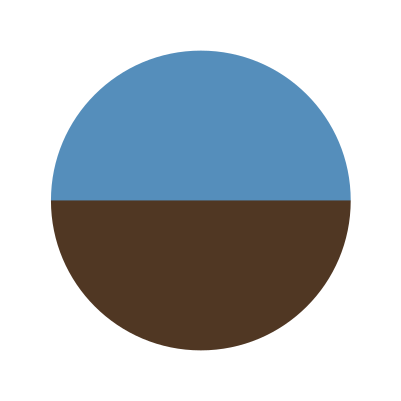
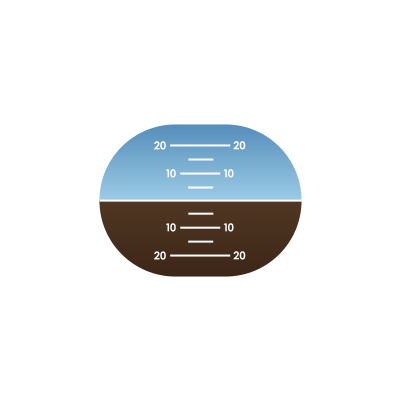
Basic instrument cues
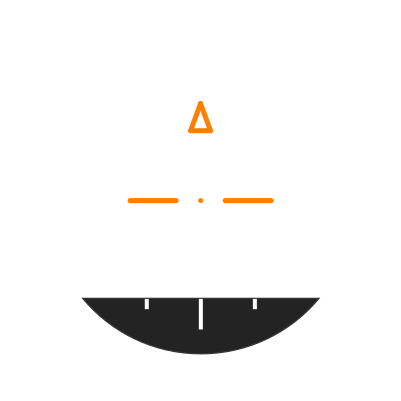
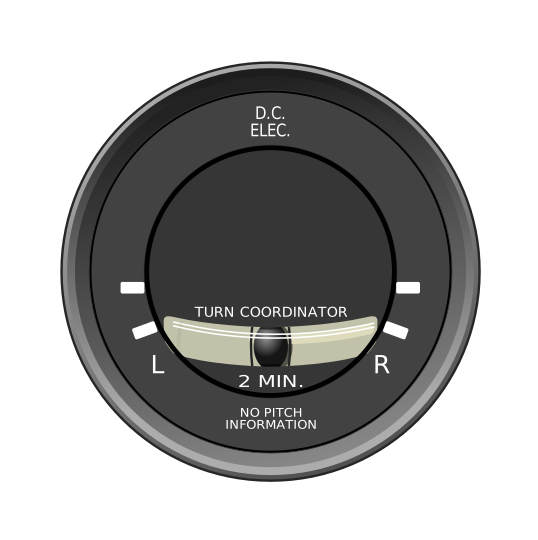
Turn coordinator

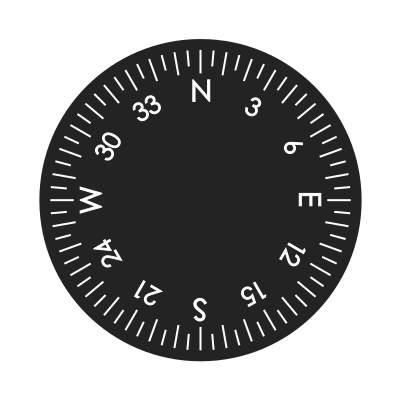
Heading indicator
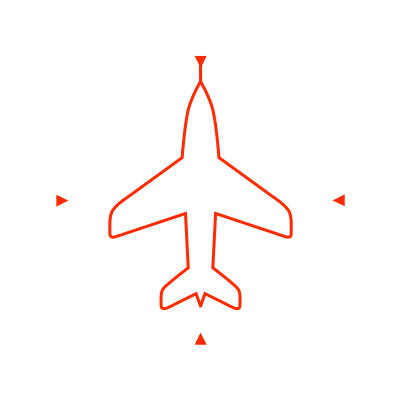
Aircraft view
Simple 3D view shows bank, pitch and yaw from your stick and rudder inputs.
What is happening now?
This panel explains what the stick and rudder are doing to the aircraft and the instruments.
Bank
0°
Pitch
0°
Yaw
0°
Heading
360°
Turn
0.0
Ball
neutral
Three axes to remember
Roll / bank
Rotation around the longitudinal axis. Ailerons start it.
Pitch
Rotation around the lateral axis. Elevator changes the nose attitude.
Yaw
Rotation around the vertical axis. Rudder yaws the nose left or right.
How aircraft controls work
In basic training the hardest part is often separating control inputs from aircraft attitude and instrument indications. This module is meant to bridge that gap visually: stick and rudder input, control surface movement, aircraft attitude and simple instruments are shown together.